Give their face room to shine.
A clear photo makes the funny preview easier to place. These images are illustrative examples, not customer pets.
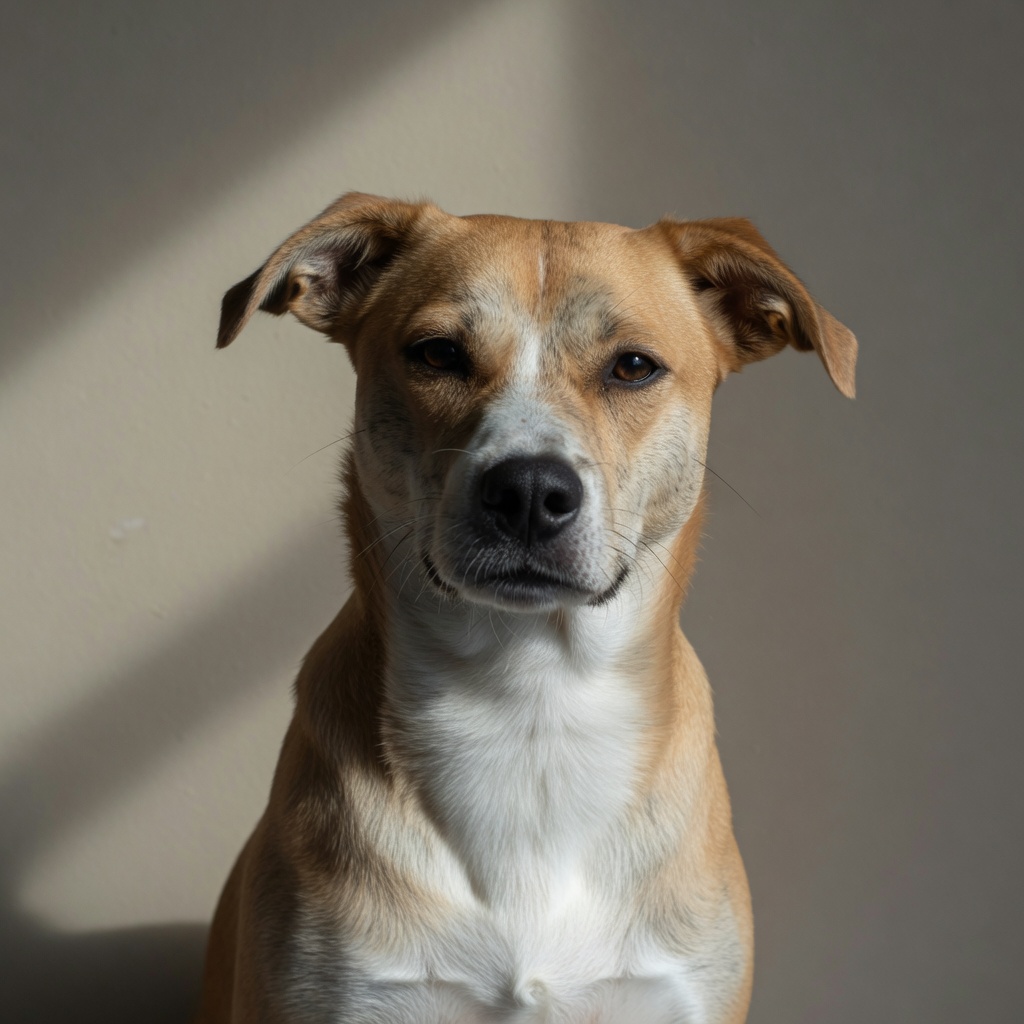
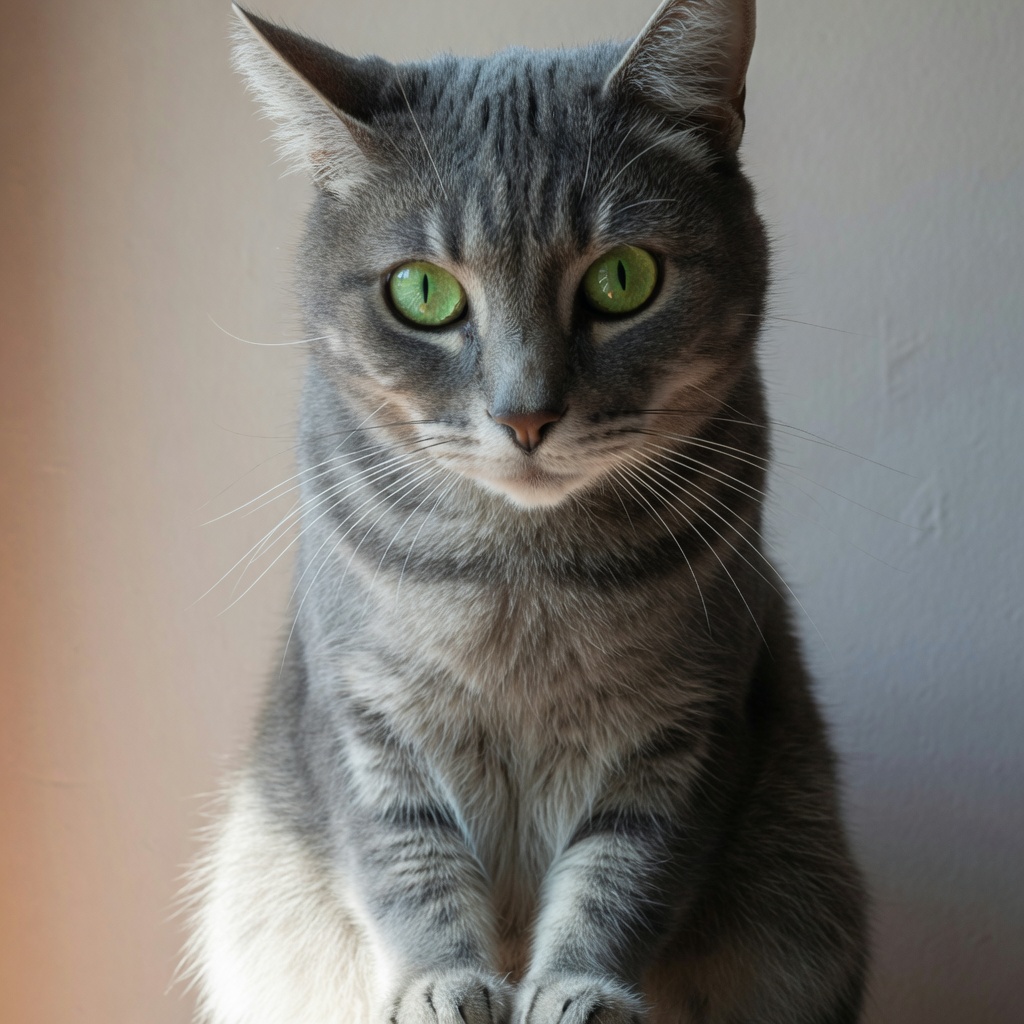
- Choose one pet with their face and ears fully visible.
- Use daylight or even light. Avoid strong shadows and blurred photos.
- Leave space around their head. A tightly cropped photo gives you less room to adjust.
- A plain background is easier to remove than one with similar colors to their fur.
- Use the original image file if you have it. Screenshots can look softer.
- Background removal is approximate. Fine fur, whiskers and transparent edges may be imperfect; keeping the original photo is an option.
- If your phone photo cannot load, export a JPG or PNG and try again.
Your photo is processed on your device for this preview. It is not a submission for final artwork.